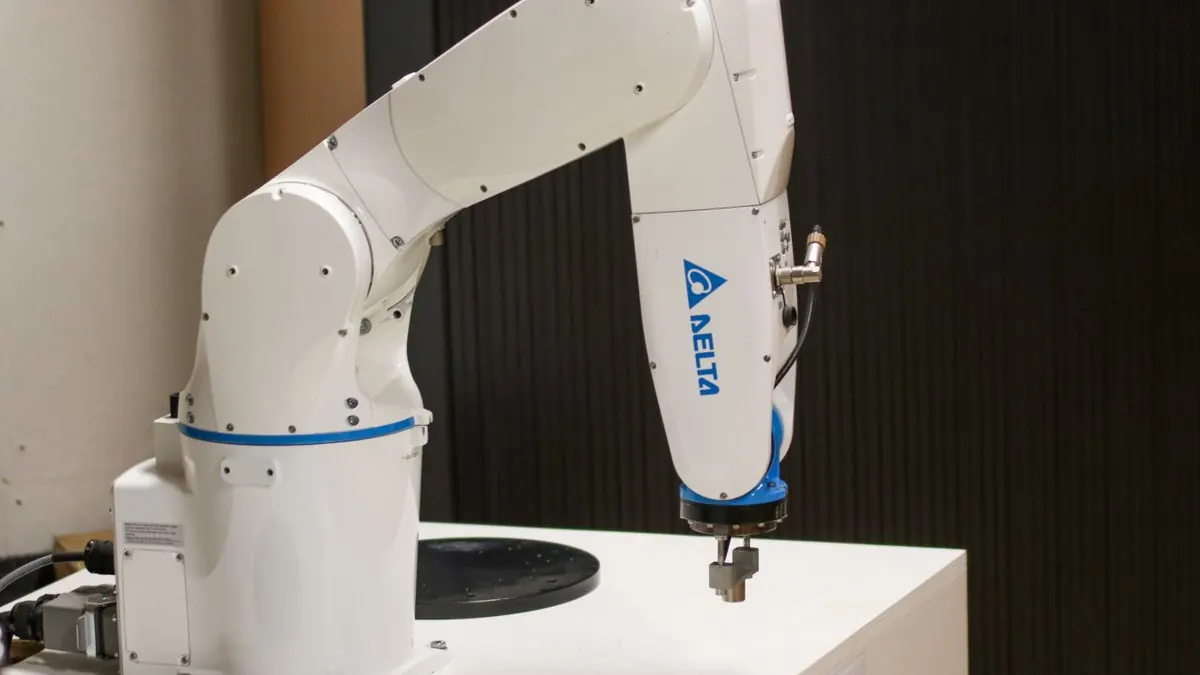
The instinct to automate everything is understandable and usually wrong. The teams that get the most value from automation aren't the ones that automate the most steps — they're the ones that automate the right steps and leave a deliberate human checkpoint on the rest.
A simple framework
Before automating a step, ask two questions: how reversible is a mistake here, and how often does this step require judgment a rule can't capture? Plot any workflow step on those two axes and the right answer becomes obvious.
- Low judgment, easily reversible: automate fully. Data entry, status updates, routine notifications.
- Low judgment, hard to reverse: automate with a confirmation step. Sending an invoice, provisioning an account.
- High judgment, easily reversible: automate a draft, human finalizes. Drafting a support reply, categorizing a lead.
- High judgment, hard to reverse: keep manual, use automation to surface information faster. Contract approval, refund exceptions.
What "automation" actually means in practice
Most real automation work isn't building a single script — it's connecting systems that don't talk to each other. A lead fills out a form, that should update the CRM, notify sales, and trigger a welcome email — without someone manually copying data between three tools. The value is less about intelligence and more about eliminating the manual handoffs between systems that were never designed to work together.
What reliable automation requires
Idempotency
If a workflow runs twice because of a retry, it shouldn't create two invoices or send two welcome emails. Design every automated action to be safe to run more than once.
Failure handling
Third-party APIs go down. Automation that silently fails is worse than manual work, because nobody notices until a customer complains. Every automated workflow needs alerting on failure and a retry strategy that doesn't compound the problem.
Auditability
When something goes wrong, you need to answer "what did the system do, and why" without guessing. Log every automated decision and the data it was based on.
Common mistakes
- Automating a broken process. Automation makes a good process faster and a bad process fail faster. Fix the process first.
- No monitoring on background jobs. A failed background job with no alert can run silently broken for weeks.
- Treating automation as "set and forget." Business rules change. Automated workflows need the same maintenance as any other software.
- Removing the human checkpoint too early. Prove a workflow is reliable with a human reviewing outputs before removing that step entirely.
A practical example
Consider lead routing. Fully automated: a lead comes in, gets scored, and gets assigned to a rep with no human touch. That works fine for straightforward, well-understood lead types. But an unusual enterprise inquiry that doesn't fit the scoring model shouldn't get silently routed to the wrong queue — it should be flagged for a human to route manually. Same workflow, two different automation levels depending on how confidently the system can classify the input.
Recommended approach
Start by automating the connections between systems — that's where most manual hours actually go, and it's low-risk. Layer in judgment-based automation (drafts, suggestions, scoring) before removing human review entirely. Reserve full autonomy for steps that are both low-stakes and well-understood.
Conclusion
The goal of automation isn't removing people from the process. It's removing people from the parts of the process that don't need them, so the judgment they do apply is on the decisions that actually benefit from it.
Kiaanlab builds workflow automation with the failure handling and monitoring this actually requires — not just a script that works until the first API outage. Tell us what's still manual and we'll help you figure out what's worth automating first.