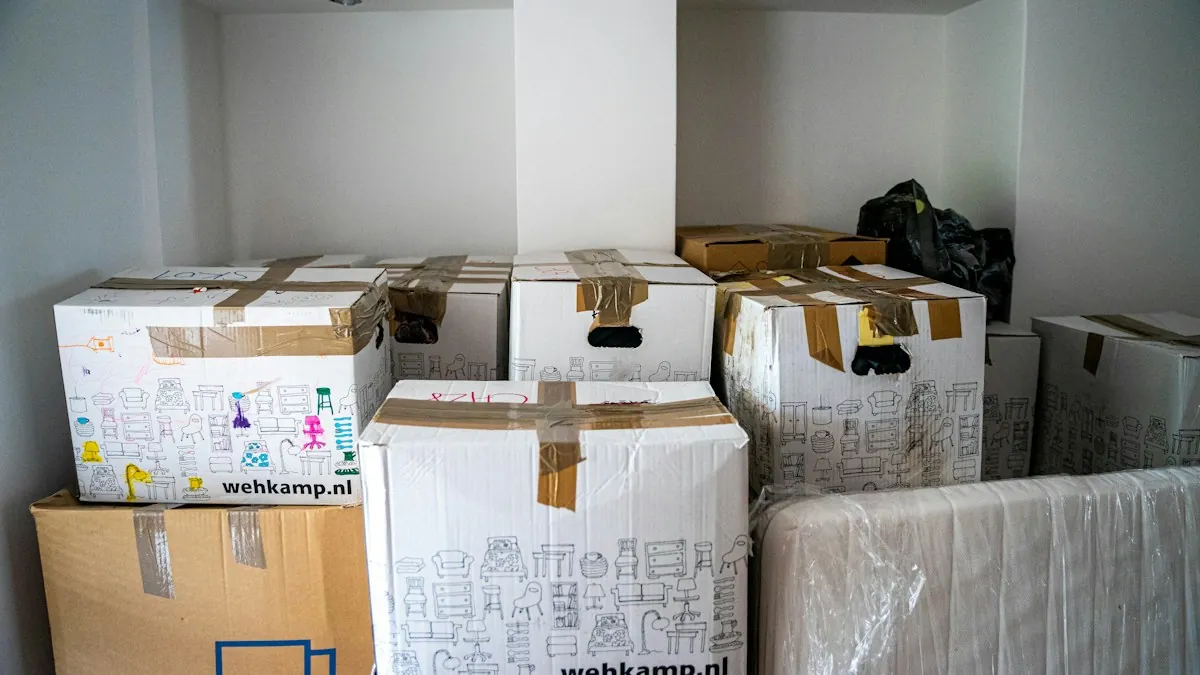
A redesign or platform change is the moment a website is most likely to lose search traffic. The new site looks better and loads faster, and three weeks later visits from search have dropped by a third. In nearly every case the cause is something that could have been checked before launch.
Before: know what you have
Make a full list of current URLs. Crawl the existing site and combine the result with the pages listed in your sitemap and in your search console data. Pages that receive traffic or links and are not linked from your own menu are easy to miss.
Record the current state. Note which pages bring search visits, which queries they appear for, and how many pages are indexed. Without a baseline you cannot tell later whether something went wrong or how badly.
Identify the pages that matter. A small share of pages usually brings most of the traffic. Mark them and check each one individually at every later step.
Before: plan the redirects
Every old address that changes needs a permanent redirect to the page that replaces it. Build this as a table, old URL to new URL, one row per page.
- Point each page to its closest equivalent, not to the home page. Sending everything to the home page tells search engines the content is gone.
- Avoid chains. An old address should reach its final destination in one step.
- Use permanent redirects, status 301.
- Decide deliberately about removed content: redirect it to a relevant page, or let it return a 404 if nothing equivalent exists.
Before: check the new site on staging
- Titles and meta descriptions have been carried over or improved, and each page has its own.
- Each page has exactly one main heading.
- Canonical tags point to the new, final addresses.
- Structured data is present and valid.
- Internal links point to final addresses, not through redirects.
- Main content is in the HTML the server sends, not added only by scripts.
- Images have descriptive alt text and sensible file sizes.
- Pages work and load quickly on a phone.
Keep the staging site out of search results with password protection. A noindex setting on staging is risky because it is so often copied to production by accident.
Launch day
- Confirm that no noindex tag and no blocking rule in robots.txt made it to the live site. This single mistake causes the most dramatic losses.
- Test the redirect table against the live site, every row.
- Check that the important pages return status 200 and show the right content.
- Publish the new sitemap and submit it in search console.
- Check that analytics and conversion tracking still record visits and form submissions.
After: watch for four weeks
Look at search console every few days. Rising 404 errors point to gaps in the redirect table, and they can be fixed as they appear. Watch the number of indexed pages and the visits to your key pages against the baseline.
Some movement in the first weeks is normal while search engines process the change. A steady decline that continues is not, and the earlier it is investigated the easier it is to repair.
Keep the redirects in place. Removing them after a few months, to tidy up, breaks every old link that still points to your site.
Changing domain as well
If the domain changes, do it as a separate step where possible. Changing design, platform, URL structure and domain on the same day makes it very hard to find the cause of any problem. Use the change of address tool in search console and keep the old domain registered and redirecting.
Summary
Inventory the old site, map every redirect, verify the new site on staging, check the live site on launch day and monitor for a month. None of this is difficult. It is detailed work that has to be done on time. Migration support is part of our SEO and digital marketing service. If a relaunch is planned, involve us before the build is finished, not after traffic has dropped.