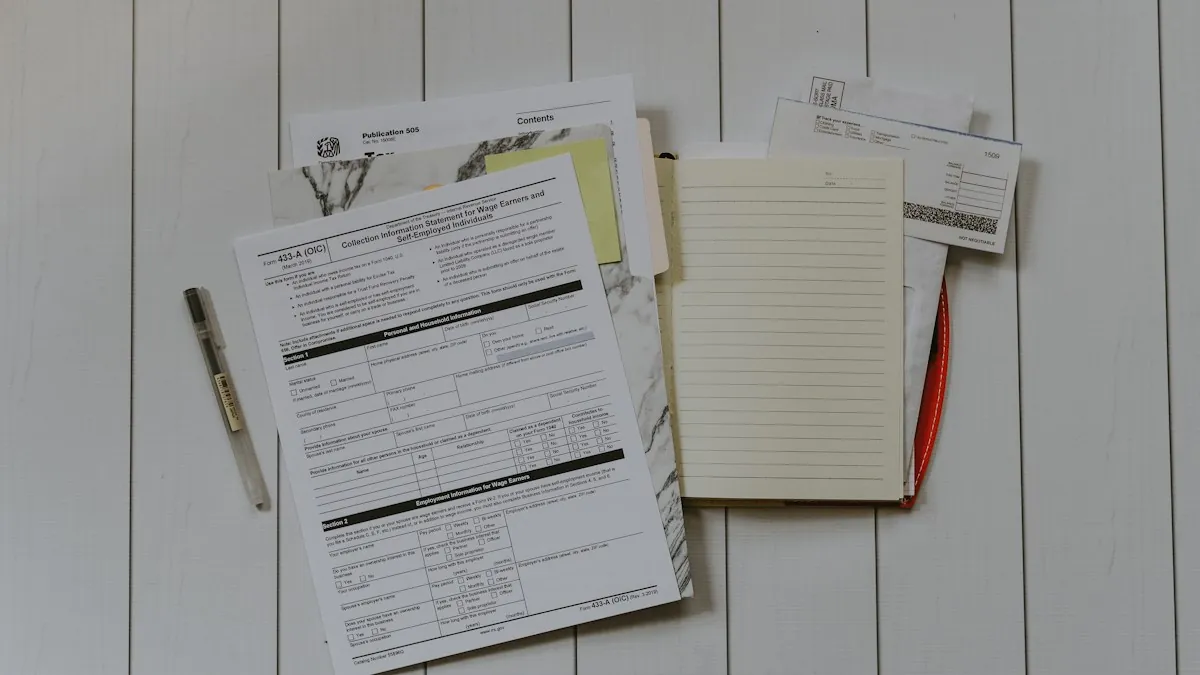
Typing data from documents into systems is one of the most common kinds of repetitive office work. Invoices into accounting, application forms into a CRM, order emails into a fulfilment system. Older automation tools needed a fixed template for every layout and broke when a supplier changed their invoice design. Language models read documents much as a person does, which removes that limit and introduces a different one.
What has changed
A current model can take an invoice it has never seen, in a layout nobody configured, and return the supplier name, the date, the line items and the total. It copes with different languages, with fields in unexpected places, and with emails where the information sits in a paragraph of text. That used to require a separate template or a trained model per document type.
What has not changed
The model can be wrong, and it is wrong in a confident way. It may misread a digit, pick the delivery date instead of the invoice date, or fill in a value that is not on the page because the field was expected. For data that goes into accounts, that is not acceptable without checks. A dependable document process is mostly about what happens after extraction.
The pipeline that works
- Intake. Collect documents from wherever they arrive: a shared mailbox, an upload form, a scanner folder.
- Classify. Decide what each document is. An invoice, a credit note, a reminder and a marketing email need different handling.
- Extract. Pull the required fields into a fixed structure, and ask for the location of each value so a reviewer can see where it came from.
- Validate. Check the result with ordinary rules.
- Route. Send clean results onward automatically and unclear ones to a person.
- Record. Keep the original document, the extracted data and who approved it.
Validation is where reliability comes from
Rules catch most extraction errors without needing a second model. Do the line items add up to the total? Is the tax amount consistent with the rate? Is the date in a plausible range? Does the supplier exist in your system, and does the bank account match the one on file? Has this invoice number been processed before?
These checks are cheap, deterministic and easy to explain to an auditor. Any document that fails one goes to review.
The review queue
Some documents will always need a person: poor scans, handwriting, unusual layouts, values that fail validation. The review screen should show the document next to the extracted fields, highlight the uncertain ones, and let the reviewer correct and approve in a few seconds. The aim is not zero human involvement. It is to move people from typing every document to checking the few that need it.
Email is a document too
A large share of business requests arrive as free text in email. The same pattern applies: classify the message, extract what is needed, validate against your systems, and route. An order email becomes a draft order for approval. A change-of-address request becomes a prepared update.
Practical points
Scan quality matters more than model choice. A clean scan read by a modest model beats a blurred photo read by the best one. Start with one document type and get it right. And decide early how to handle personal data in documents: where they are stored, who can see them, and whether the model provider's terms allow that content to be sent.
Summary
AI makes it possible to read varied documents without templates. Validation rules, a review queue and a full record are what make the result trustworthy. We build these pipelines as part of our AI automation service. If document handling takes up too much of your team's time, tell us what you process.